阿里云百炼(通义千问 / Qwen 系列)
目标
- 在阿里云购买大模型订阅服务
- 获取调用大模型服务的 API Key
| 项目 | 信息 |
|---|---|
| 官网 | https://bailian.console.aliyun.com/ |
| 文档 | https://help.aliyun.com/zh/model-studio/getting-started/first-api-call-to-qwen |
| 兼容格式 | OpenAI 兼容 / DashScope SDK |
| Base URL | https://dashscope.aliyuncs.com/compatible-mode/v1 |
| 代表模型 | Qwen3.6-Plus、Qwen-Plus、Qwen-Max |
| 新用户福利 | 实名认证后赠送 20 元代金券 + 模型免费额度 |
操作步骤
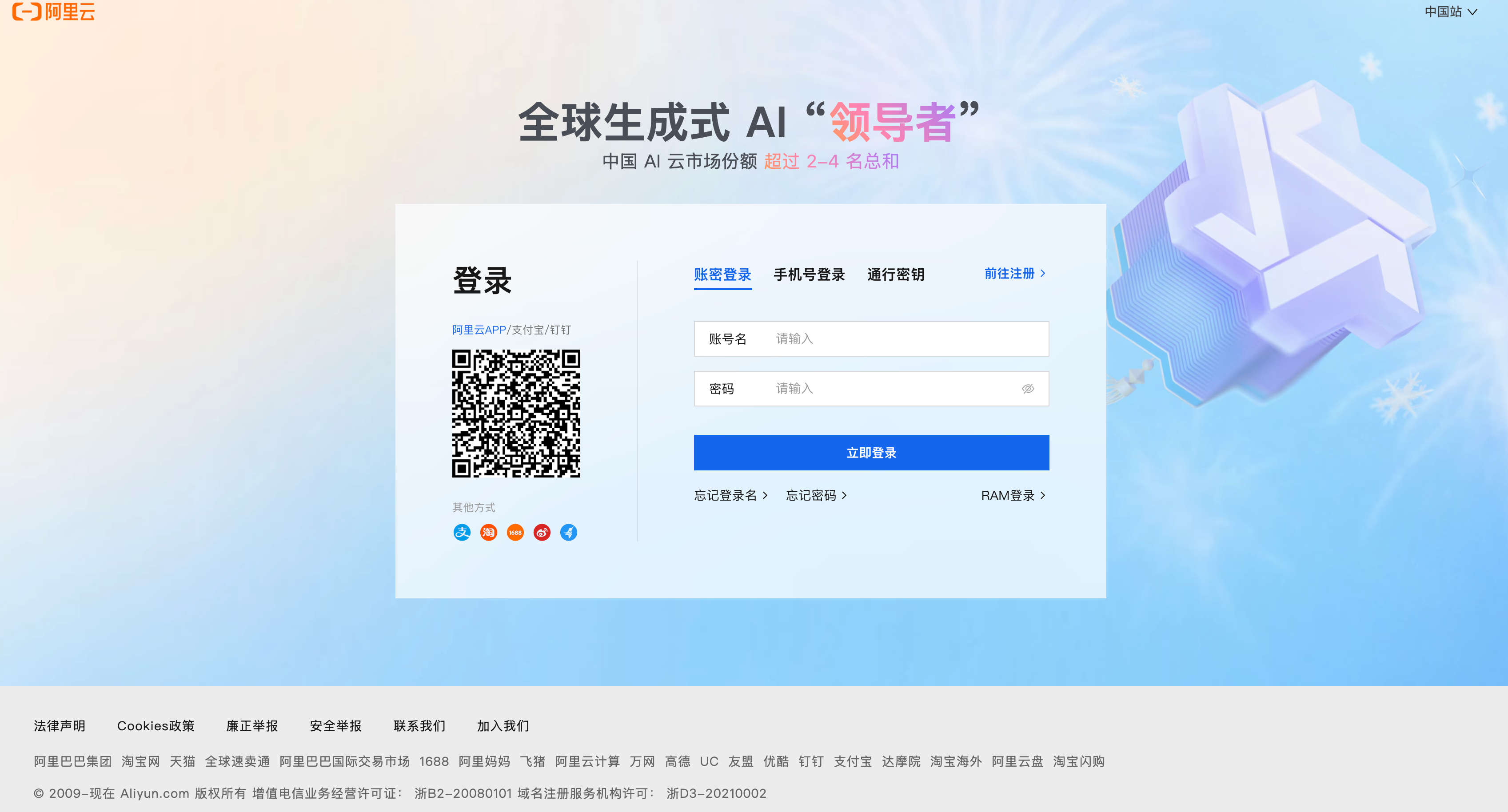
1. 注册阿里云账号
- 访问 阿里云官网,注册账号
- 完成实名认证(个人/企业均可)
📸 阿里云注册/登录页面
2. 开通百炼服务
- 前往 阿里云百炼控制台
- 阅读并同意服务协议,自动开通
📸 百炼控制台首页,服务协议同意页面

3. 获取 API Key
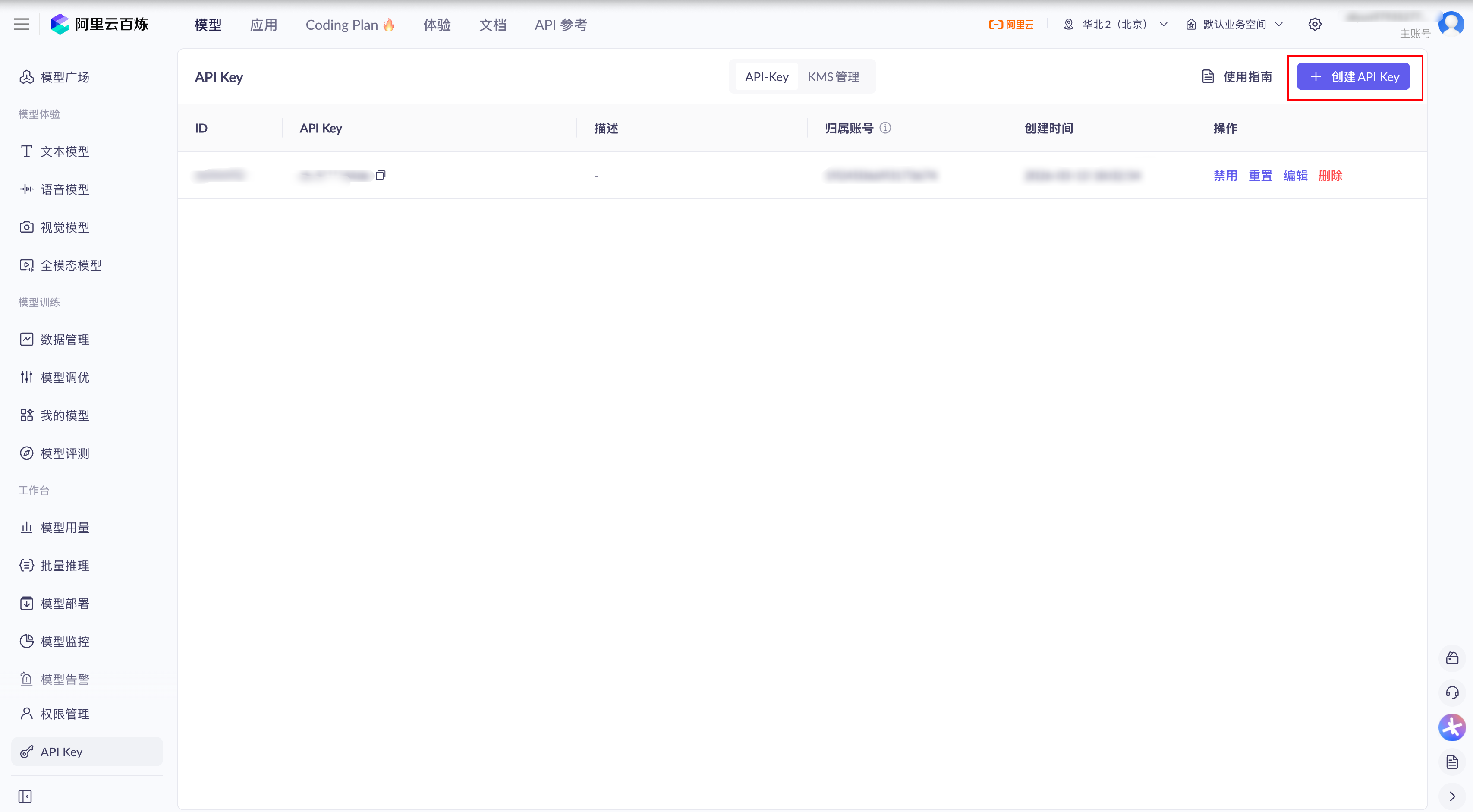
- 进入 密钥管理页面
- 点击「创建 API Key」
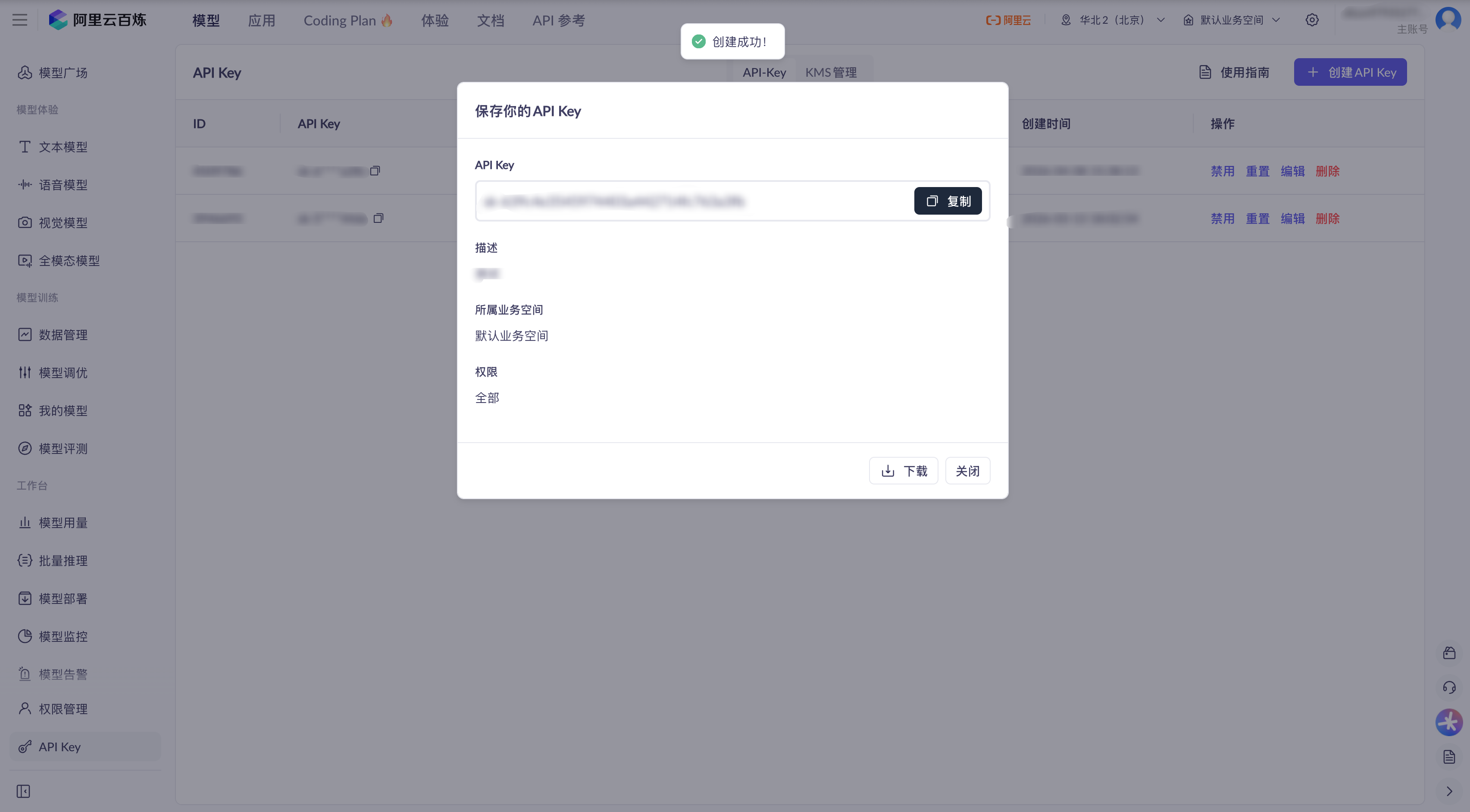
- 复制并保存(格式类似
sk-xxxxxxxxxxxxxxxx) - 或者点击阿里百炼首页的Coding Plan菜单,购买订阅,openclaw 初级用户建议购买 Lite 基础套餐
- 在 Coding Plan 页面的我的订阅页面,找到套餐专属 API Key 以及套餐专属 Base URL
📸 密钥管理页面,标注「创建 API Key」按钮
📸 API Key 创建成功弹窗(注意遮挡敏感部分)
4. 验证调用
curl -X POST "https://dashscope.aliyuncs.com/compatible-mode/v1/chat/completions" \
  -H "Content-Type: application/json" \
  -H "Authorization: Bearer YOUR_API_KEY" \
  -d '{
    "model": "qwen-plus",
    "messages": [
      {"role": "user", "content": "你好"}
    ]
  }'